youtube_mcp
Youtube transcribation MCP server
Demo Video
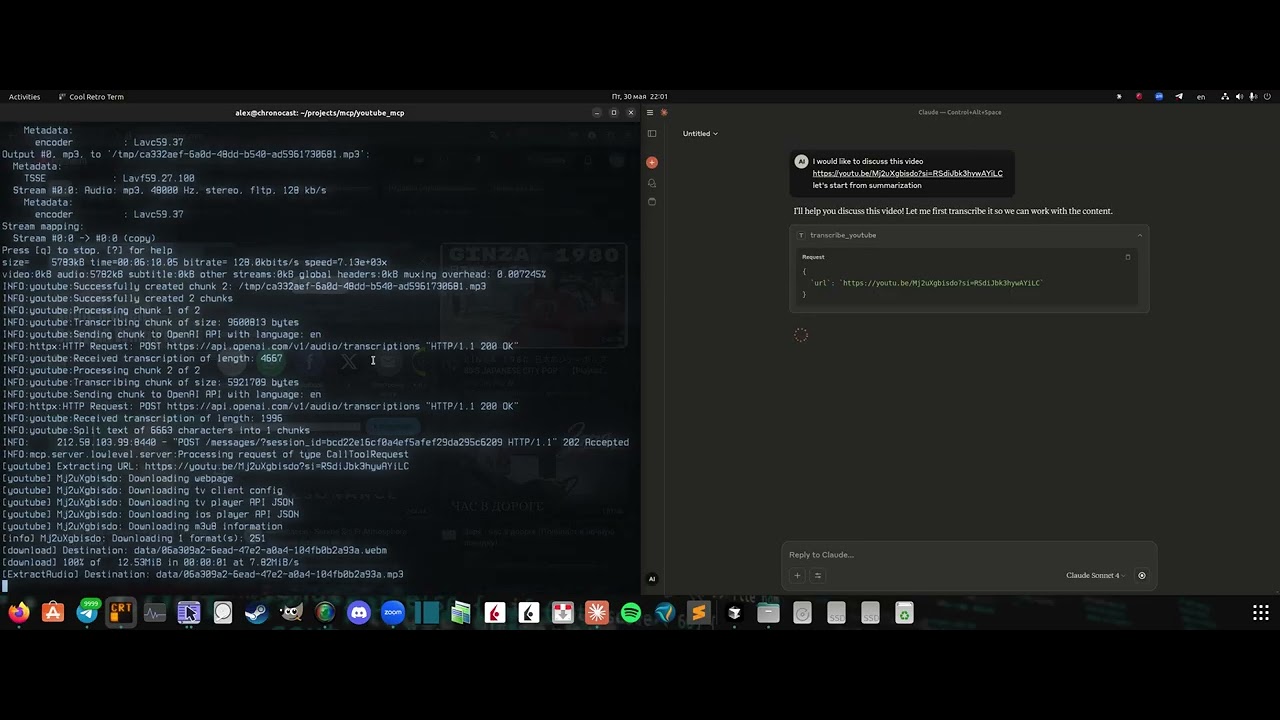
Click the image above to watch the demo video
Requirements:
- OpenAI API key
- Cookies
Server installation
- Clone the repo:
git clone https://github.com/format37/youtube_mcp.git
cd youtube_mcp
nano .env- Extract your cookies. See cookies.md
Place cookies.txt in the ./mcp/ folder. - Generate MCP_KEY:
python token_generator.py- Define .env:
CONTAINER_NAME=youtube_mcp_main
PORT=7001
MCP_KEY=YOUR-MCP-KEY
OPENAI_API_KEY=YOUR-OPENAI-KRY- Provide run access
sudo chmod +x compose.sh
sudo chmod +x logs.sh
sudo chmod +x update.sh- Run
./compose.sh- Check that port is opened for incoming connections.
Client configuration
- Add Bybit server to the Claude desktop config: Example:
{
    "mcpServers": {
      "youtube": {
        "command": "npx",
        "args": [
          "mcp-remote",
          "http://localhost:7001/sse",
          "--header",
          "Authorization:YOUR-TOKEN",
          "--allow-http"
        ],
        "disabled": false
      }
    }
}Client side
4. Restart Claude desktop
5. Check that tws tools are listed in the tools list. Ask Claude to check ibkr account