OpenAI MCP Server
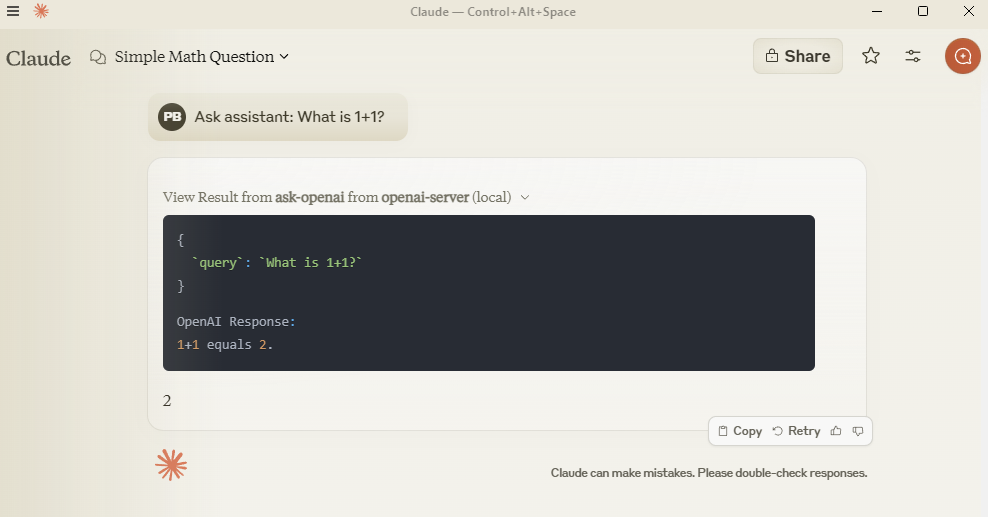
Query OpenAI models directly from Claude using MCP protocol.
Setup
Add to claude_desktop_config.json:
{
  "mcpServers": {
    "openai-server": {
      "command": "python",
      "args": ["-m", "src.mcp_server_openai.server"],
      "env": {
        "PYTHONPATH": "C:/path/to/your/mcp-server-openai",
        "OPENAI_API_KEY": "your-key-here"
      }
    }
  }
}Development
git clone https://github.com/pierrebrunelle/mcp-server-openai
cd mcp-server-openai
pip install -e .Testing
# Run tests from project root
pytest -v test_openai.py -s

# Sample test output:
Testing OpenAI API call...
OpenAI Response: Hello! I'm doing well, thank you for asking...
PASSEDLicense
MIT License